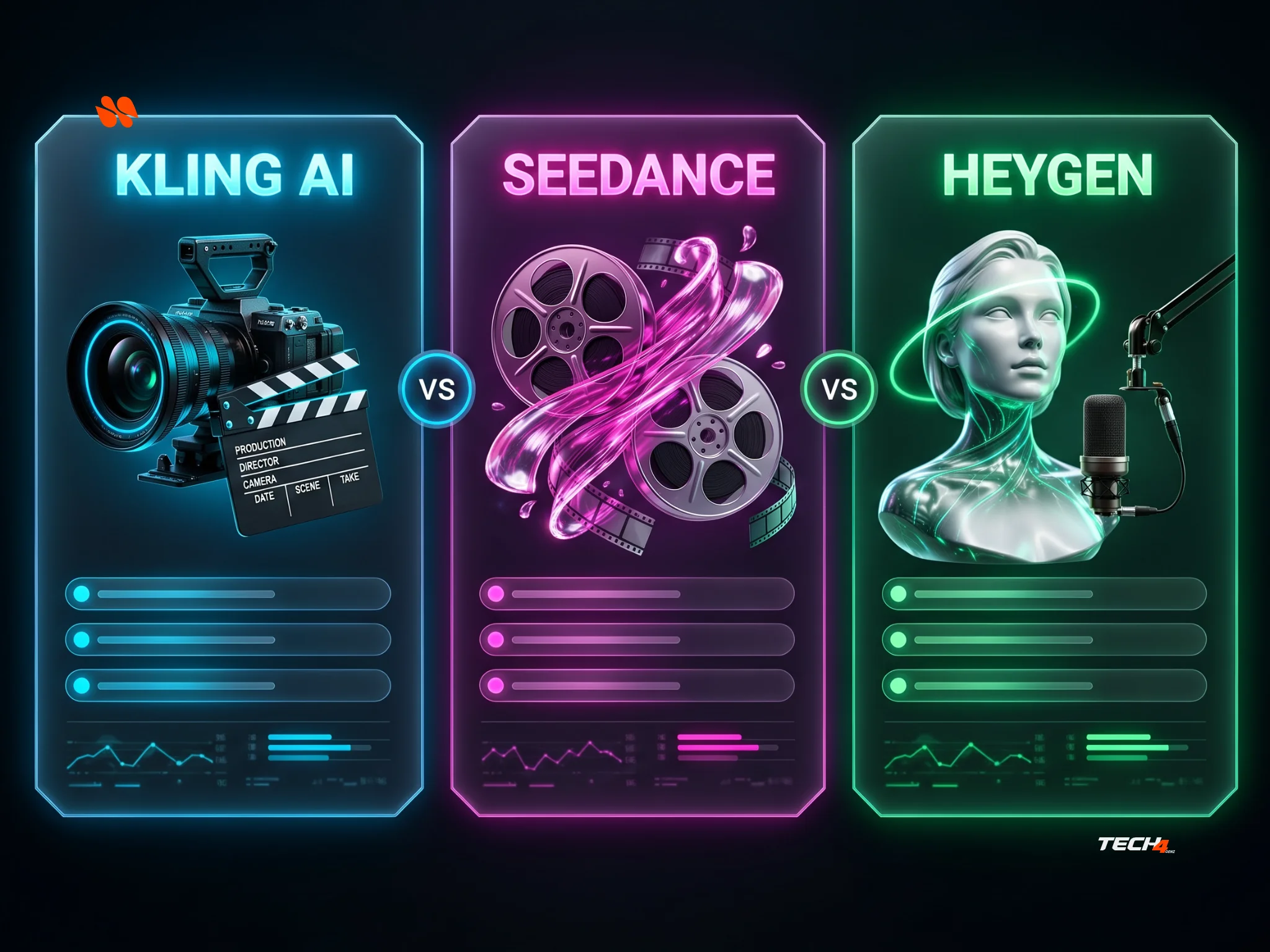
The best AI video generator in 2026 depends on the video you need to make. Kling wins on motion and long clips. Seedance 2.5 wins on a single 30 second take with sound. HeyGen wins when a presenter has to speak on camera. No one tool wins all three jobs. The right pick is the one that matches your job, not the one at the top of a leaderboard.
That split matters because these three tools are not the same kind of product. Kling and Seedance make scenes from a prompt or a photo. HeyGen makes a person talk. For example, a product shot that needs to spin and glide belongs in Kling. A 30 second story scene with dialogue belongs in Seedance. A training video where you explain something on screen belongs in HeyGen. Pick the job first, then pick the tool.
Evidence note: prices, clip lengths and model versions below were checked against vendor pages and November 2026 pricing guides on 19 November 2026. Prices and credit rates change often, so confirm a price on the provider page before you pay. Nothing in this article is sponsored, and no clip in it was generated by us as a test.
In this article
- Key Takeaways
- 1. The short answer: the best AI video generator for each job
- 2. Kling: the best AI video generator for motion and long clips
- 3. Seedance 2.5: the best AI video generator for one long take
- 4. HeyGen: the best AI video generator for a presenter on camera
- 5. What the best AI video generator costs per clip
- 6. What the free tiers really let you make
- 7. Pick by your job, not by the leaderboard
- Frequently Asked Questions
- Tech4GenZ Verdict: Best AI Video Generator
Key Takeaways
- Kling is the best AI video generator for motion, character consistency and long clips. Kling 4.0 makes 3 to 30 second clips in one generation.
- Seedance 2.5 is the best AI video generator for a single long take. It makes up to 30 seconds with synchronised audio and up to 50 references in one request.
- HeyGen is the best AI video generator for presenter videos. Avatar V turns 15 seconds of your own footage into a talking twin, and the free plan gives 3 videos a month.
- A 5 second Kling 3.0 clip at 720p costs about 40 cents on the Standard plan. A 5 second Seedance 2.5 clip at 1080p costs about 2.84 dollars through the official API, so check the per second price before you commit to a tool.
- Free tiers are for trying, not for publishing. Kling free clips carry a watermark and no commercial use, and HeyGen free videos are watermarked too.
- HeyGen Voice Turbo on the free model ends on 30 November 2026. Do not build a workflow on it after that date.
1. The short answer: the best AI video generator for each job
Start with the job, because that decides the answer in one step. If you need a cinematic scene, a product shot or a character that moves well, Kling is the pick. For a longer scene with dialogue and sound in one take, Seedance 2.5 is the pick. If you need a person to present, teach or translate a script, HeyGen is the pick. In short, scene work goes to Kling or Seedance, and presenter work goes to HeyGen.
The three tools also differ in how you pay. Kling sells monthly credits. Seedance is mostly pay per second through an API or inside another app. HeyGen sells monthly credits priced by the minute of avatar video. As a result, the cheapest tool for one clip can be the most expensive tool for a different clip. Section 5 works the numbers out so you can compare them on the same basis.
One more distinction helps. Kling and Seedance are models, and you can also reach them inside other apps. For example, HeyGen Pro includes Seedance 2.5, and Higgsfield offers Kling 3.0 and Seedance 2.5 under one subscription. We covered the credit cost of that route in our Higgsfield video credits guide. If you already pay for one of those platforms, check what is inside it before you buy a second subscription.
2. Kling: the best AI video generator for motion and long clips
Kling comes from Kuaishou, the Chinese company behind a large short video platform, and its reputation rests on motion. Camera moves glide instead of jerking. Objects move with real weight, and a character holds together across a long shot better than in most rivals. In addition, its image to video is a real strength. Give it a still photo. It turns it into a moving shot without losing the product or the face in it.
Kling 4.0: what changed in October 2026
Kling 4.0 launched on 15 October 2026, and it is the current flagship. It makes clips of 3 to 30 seconds in one generation, with extension up to 2 minutes, and it takes up to 10 keyframes and 15 reference files. Native resolution goes up to 4K, with stereo audio and lip sync built in. In contrast, Kling 3.0, launched in February 2026, stops at 15 seconds and tops out at 4K through a different route, so 4.0 is the version to use when a shot has to run longer than 15 seconds.
Kling 3.0 still matters for price, because its costs are published and 4.0 costs are not. On the Kling API, 3.0 costs 0.126 dollars a second at 720p with native audio and 0.168 dollars a second at 1080p, according to an October 2026 pricing check. Meanwhile, Kling has not published a per second credit rate for 4.0, so budget for 4.0 with the 3.0 numbers and expect the real cost to show up only when you generate. We tested Kling 4.0 against Runway for product shots in our Kling 4 and Runway product shot guide.
What a Kling clip costs on a subscription
Kling sells credits by the month. Standard costs 6.99 dollars for the first month and then 8.80 dollars a month on renewal, for 660 credits a month. Pro costs 25.99 dollars first, then 32.56 dollars, for 3,000 credits a month. A 5 second 720p clip on Kling 3.0 costs 30 credits, which works out to about 40 cents on Standard, according to a Kling pricing guide checked in October 2026. For example, a Standard plan buys roughly 22 of those clips a month before retakes, so count your retakes in the budget, not just your finished clips. Paid plans remove the watermark, allow commercial use and add 1080p generation, video extension and professional mode.
3. Seedance 2.5: the best AI video generator for one long take
Seedance is ByteDance Seed’s video model, from the company behind TikTok and CapCut, and version 2.5 is its current flagship. It launched on 31 July 2026, first in the Jimeng and Doubao apps, with API access following in early August. The headline change from Seedance 2.0 is length. A single pass now produces up to 30 seconds of video with synchronised audio, up from 15 seconds. As a result, a short scene with a beginning, a middle and an end fits in one generation instead of three stitched clips.
References: up to 50 in one request
Seedance 2.5 takes up to 50 references in one request: 30 images, 10 videos and 10 audio clips. That is the largest reference allowance of the three tools here, and it is what makes the model useful for a scene with a fixed product, a fixed character and a fixed voice. For example, you can hand it a product photo, a reference clip for the camera move and an audio track for the pacing, and it builds one take from all three. In addition, it supports timestamp level editing, so you can change one part of a clip without regenerating the whole thing. Speech is supported in 11 languages, and the output is up to 1080p.
What Seedance 2.5 costs per second
Seedance has no simple monthly plan of its own for most readers outside China. Instead, you reach it through ByteDance’s own apps, through Dreamina and CapCut, or through an API and partner apps. On BytePlus ModelArk, the official API, Seedance 2.5 costs 0.1028 dollars a second at 480p, 0.2311 dollars at 720p and 0.5686 dollars at 1080p for requests without video input, according to a Seedance 2.5 guide. So a 5 second clip at 1080p costs about 2.84 dollars, and a 30 second clip at 1080p costs about 17.06 dollars.
That is the most expensive per second rate of the three tools here, and it is the price of the long take. If you only need 5 second clips, Kling is cheaper. If you need 30 seconds in one take, Seedance is the only one of the three that does it without stitching. We covered Seedance 2.0 on Runway in our Seedance 2 high bitrate guide.
4. HeyGen: the best AI video generator for a presenter on camera
HeyGen is a different kind of tool. You write or paste a script, choose an avatar and a voice, and it makes a talking head video. It offers more than 500 stock avatars, plus custom avatars made from your own footage. It translates existing videos with lip sync in more than 175 languages on paid plans. For a course, a product demo or a company update, that workflow is faster than filming. The script is the whole shoot.
Avatar III, IV and V: what each one costs
HeyGen now runs on credits, and the avatar model you pick decides how fast the credits go. Avatar III is the cheapest, at 4 credits a minute for a video look and 7 for a photo look. The next model, Avatar IV, animates a photo with gestures and micro expressions, and it costs 16 credits a minute for a photo look and 31 for a video look. Avatar V is the flagship, announced on 8 April 2026: you record yourself once, HeyGen says 15 seconds on a phone is enough, and it makes a realistic twin that can change outfit and setting while keeping your gestures. It costs 48 credits a minute. Those rates come from a HeyGen pricing review checked in October 2026.
HeyGen Video is the newer part of the product, and it is not an avatar tool at all. It launched on 30 September 2026 as a general scene generator, making 5 to 15 second clips with sound at up to 2K resolution. Its API price is 0.03 dollars a second at 768p with audio, which makes it the cheapest scene clip of the three tools here on a per second basis. However, it is a young model, so treat it as a bonus inside a HeyGen subscription, not as a reason to buy HeyGen for scene work alone.
HeyGen plans and the Voice Turbo deadline
The free plan costs zero dollars and gives 3 videos a month, each up to 1 minute, with a watermark. Creator costs 29 dollars a month, or 24 dollars a month billed yearly, for 600 credits, 1080p export, videos up to 30 minutes and no watermark. Pro starts at 49 dollars a month for 1,000 credits, adds 4K export, full Avatar V and Seedance 2.5, according to a HeyGen pricing guide checked in October 2026. So 600 Creator credits buy about 19 minutes of Avatar IV video look, or about 12.5 minutes of Avatar V. Work out your minutes before you pick a plan, because credits are not minutes.
One deadline matters. HeyGen Voice Turbo on the free model ends on 30 November 2026, and the free model returns an error from 1 December 2026. We covered the free limits in our HeyGen Voice Turbo free limits guide. If your workflow uses the free voice model, move to a paid voice option before December, or your videos will stop generating.
5. What the best AI video generator costs per clip
Prices look confusing until you put them on the same basis, so here is the comparison on one 5 second clip. Kling 3.0 at 720p with sound costs about 0.63 dollars through the API, or about 0.40 dollars on the Standard subscription. Seedance 2.5 at 1080p with sound costs about 2.84 dollars through the official API. HeyGen Video at 768p with sound costs about 0.15 dollars through its API. In contrast, a minute of HeyGen Avatar V costs about 48 credits, which is roughly 2.32 dollars of a Creator plan, so presenter video is priced by the minute, not by the clip.
| Tool and clip | Price basis | Cost for one 5 second clip |
|---|---|---|
| Kling 3.0, 720p, with sound | API, 0.126 dollars a second | About 0.63 dollars |
| Kling 3.0, 720p, with sound | Standard plan, 30 credits | About 0.40 dollars |
| Seedance 2.5, 1080p, with sound | Official API, 0.5686 dollars a second | About 2.84 dollars |
| HeyGen Video, 768p, with sound | API, 0.03 dollars a second | About 0.15 dollars |
| HeyGen Avatar V, 1 minute | Creator plan, 48 credits a minute | About 2.32 dollars of the plan |
The table shows the real trade off. Seedance costs the most per second because it does the longest take with the most references. Kling costs the least per scene clip on a subscription, and HeyGen Video is the cheapest way to test a scene idea.
What the leaderboard says about quality
Meanwhile, the leaderboard tells a similar story from the quality side: on the Artificial Analysis text to video board with audio, retrieved 13 November 2026, Seedance 2.5 scored 1155, HeyGen Video scored 1152 and Kling 3.0 at 1080p Pro scored 1000 as the anchor, according to a November 2026 roundup of the board. The gap between Seedance and HeyGen Video is small, while the price gap is large, so price should decide between them more often than quality does.
6. What the free tiers really let you make
Free tiers are for trying, and each one stops in a different place. Kling gives daily credits on its free Basic plan, but the clips are watermarked, capped at lower resolution and not for commercial use. Seedance has no free API tier. The free route is inside ByteDance apps or partner apps, and availability varies by country. Check whether Dreamina or CapCut offers it where you live. HeyGen free gives 3 videos a month up to 1 minute each, watermarked, with Avatar IV to try and one custom avatar. In short, you can test all three without paying, but you cannot publish client work on any free tier.
The free test that matters most is the retake test. Generate the same prompt three times on each tool and count how many clips are usable. A tool that gives you one usable clip in three tries costs three times its sticker price, whatever the plan says. For example, if Kling gives you two usable clips out of three and Seedance gives you one, Kling is cheaper for your prompt even before you look at the price table. Run that test with your own product photo, not with a stock prompt, because your product is the hard case.
7. Pick by your job, not by the leaderboard
Use this decision list, in order. First, ask what the video has to do. If a person has to speak, pick HeyGen, because neither Kling nor Seedance is a presenter tool. Second, ask how long one take has to run. If the answer is more than 15 seconds in one take, pick Seedance 2.5, because Kling 4.0 also reaches 30 seconds but its credit cost is unpublished, so budget it with care. Third, ask what the budget allows per clip. If you need many short clips, pick Kling Standard, because 660 credits a month at about 40 cents a 5 second clip is the cheapest scene work here.
Then check the practical limits. If you need 4K, Kling 4.0 and HeyGen Pro both offer it, while Seedance 2.5 tops out at 1080p. For commercial use, pay for a plan, because no free tier here allows it. If you need to translate a video into another language with lip sync, HeyGen is the only one of the three built for it. Finally, if you need to edit a clip you already have, Seedance 2.5 offers timestamp level editing, and Kling offers video extension, so pick the tool whose edit matches the fix you need.
Frequently Asked Questions
What is the best AI video generator for beginners?
Kling, because the free tier gives daily credits to learn on, the app is a single model with clear plans, and a 5 second clip costs about 40 cents on Standard. Start with image to video, because a photo plus a short prompt fails less often than a text only prompt.
Is there a completely free AI video generator?
No, not for publishable work. Kling free clips are watermarked and not for commercial use, HeyGen free gives 3 watermarked videos a month, and Seedance has no free API tier. Free tiers are for testing, and a paid plan is the cost of watermark free, commercial video.
Which is better, Kling or Seedance?
Kling is better for motion, character consistency and price per short clip. Seedance 2.5 is better for a single 30 second take with sound and up to 50 references. If your scene fits in 15 seconds, pick Kling. If it needs 30 seconds in one take, pick Seedance.
Can HeyGen make videos without an avatar?
Yes, since 30 September 2026 HeyGen Video makes 5 to 15 second scene clips with sound, at 0.03 dollars a second at 768p through the API. However, HeyGen is still first a presenter tool, so buy it for avatars and translation, and treat scene generation as a bonus.
Tech4GenZ Verdict: Best AI Video Generator
Kling is the best AI video generator for most readers. It covers the widest range of scene work at the lowest price per clip. It has the strongest motion and a free tier to learn on. Seedance 2.5 is the pick when one long take matters more than price, and HeyGen is the pick when a presenter has to speak. That is the whole decision: scene work on a budget goes to Kling, a 30 second take goes to Seedance, and a talking video goes to HeyGen.
Best fit to evaluate: creators and small teams who need short social clips, product shots or presenter videos, and who can test each tool on their own product photo before they pay.
Use more caution with: paying for Seedance at 1080p before you have tested whether a 720p Kling clip does the same job, and with building a workflow on HeyGen Voice Turbo free after 30 November 2026. Check the price on the provider page before you pay, because prices and credit rates change often.