

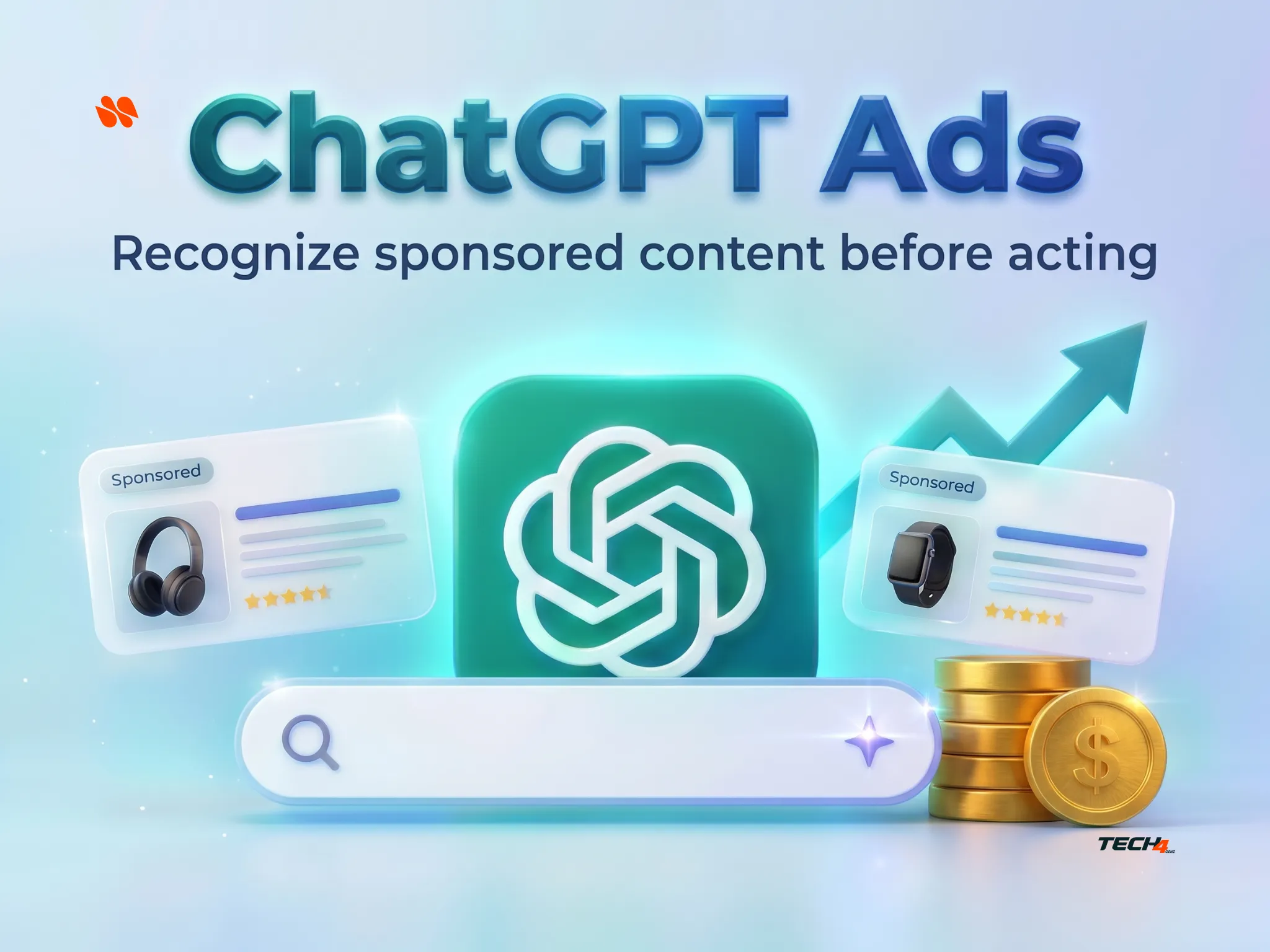
ChatGPT Ads Explained: Sponsored Labels, Privacy, Plans, and Ad Controls. You ask ChatGPT to help compare a product. An answer appears, followed by an offer that seems relevant. Before clicking, pause and look at the boundary between the two.
That boundary matters more than whether the product looks useful.
ChatGPT Ads are paid placements shown separately from ChatGPT’s answers. They may appear below a response, and OpenAI is also testing a multi-image advertising format during image generation. Eligible Free and Go users may see ads in supported regions during the rollout.
A sponsored label identifies advertising. It does not mean OpenAI independently recommends the advertiser, verifies the offer, or guarantees that the product is suitable for you.
According to OpenAI’s current advertising guide, ads are clearly labeled and operate separately from ChatGPT’s answers. Meanwhile, a product mentioned in an ordinary answer should not automatically be called an ad without evidence of sponsorship.
Editorial note: This guide uses official documentation and independent reporting checked on October 27, 2026, with current ad-control details reviewed on November 5, 2026. It does not report a personal account test, a completed purchase, or independently audited ad-selection behavior.
In this article
- Key Takeaways About ChatGPT Ads
- ChatGPT Ads: Which Plans and Markets Can Show Them?
- How to Recognize Sponsored Content in ChatGPT
- Do ChatGPT Ads Influence Answers or Expose Your Chats?
- Verify a ChatGPT Sponsored Offer: Five Practical Checks
- ChatGPT Ads Controls: What Can You Change?
- ChatGPT Ads Troubleshooting FAQ
- Before Your Next Click: Make an Informed Decision
Key Takeaways About ChatGPT Ads
- Separate the answer from the offer. Look for the advertising disclosure and advertiser identity before treating a card as guidance.
- Check your actual plan. Free and Go may show ads; OpenAI lists Plus, Pro, Business, Enterprise, and Edu as ad-free.
- Personalization is not ad removal. Turning off personalized ads does not, by itself, remove advertising.
- Verify outside the chat. Check the seller, exact product, complete cost, renewal conditions, and cancellation or return terms.
- Use only controls you can see. An Ads-Free option exists for eligible Free accounts, but it is not a universal switch for every plan.
ChatGPT Ads: Which Plans and Markets Can Show Them?
OpenAI’s October 21 expansion announcement added 26 countries, including Pakistan, bringing announced availability to 89 countries. Investing.com reporting also covered the expansion.
However, an announced market rollout does not establish that every eligible account will show an ad in every conversation. Availability can depend on account eligibility and rollout status.
For readers in Pakistan, this is newly announced market availability. By contrast, US ad testing began on February 9, 2026, and OpenAI’s August 11 update had already confirmed the UK launch. Therefore, US and UK readers should treat this as a plan-and-controls guide—not news of their first launch.
| Account or plan | OpenAI’s documented ad position | What to check |
|---|---|---|
| Free | Ads may appear in eligible regions | Account eligibility and whether Ads-Free is offered |
| Go | Ads may appear in eligible regions | Go is not listed as an ad-free plan |
| Plus and Pro | Ad-free | Confirm you are in the subscribed account |
| Business, Enterprise, and Edu | Ad-free | Confirm the active account or workspace |
| Accounts identified as under 18 | No ads | OpenAI uses account-level age information and age prediction where available |
This table follows the current OpenAI Help Center guide, which lists more ad-free plans than the shorter expansion announcement.
Also, ad eligibility is not a reason to change your age or location information to force a result.
How to Recognize Sponsored Content in ChatGPT
1. Find the Sponsored Label on ChatGPT Ads
First, read the disclosure attached to the offer. OpenAI’s examples show a sponsored card separate from the generated response.
However, do not rely on one fixed color, border, or screen position. The current documentation also describes a multi-image ad test during image generation.
Next, identify where the answer ends and the paid placement begins. Read the advertiser’s identity and the offer itself as a separate item, rather than treating it as the final part of ChatGPT’s advice.
Importantly, a product name, shopping link, or attractive image is not enough to prove sponsorship. If the label is unclear, treat the status as uncertain rather than declaring that a normal answer is secretly an ad.
Observed on ChatGPT Ads. Personal details redacted. Interface and availability may vary.
2. Check the Advertising Disclosure and Ad Information
If the ad has a three-dot menu, OpenAI documents options such as:
- About this ad
- Hide ad
- Report ad
- Ask ChatGPT
Use the choices your interface actually provides.
For example, About this ad can help explain why a placement appeared. It is not a product-quality certificate.
By default, ChatGPT cannot see the ads displayed to you, according to the official controls explanation. Selecting Ask ChatGPT shares that particular ad with the chat.
Therefore, do not assume that asking “Is this ad good?” automatically gives the assistant the offer’s details.
If you do share it, ask for missing conditions and checkable claims. Still, a second AI response is not independent verification of a seller’s promises.
3. Record What You Actually Observed
For a screenshot or note, record your country, plan, date, platform, visible label, and any menu options you opened.
Also, remove names, email addresses, conversation history, and other personal information before sharing.
If no ad appears, record “no ad observed.” That result does not prove the feature is unavailable throughout your country, and it does not establish that your plan will never show an ad.
Do ChatGPT Ads Influence Answers or Expose Your Chats?
OpenAI says advertising runs separately from the chat model and advertisers cannot shape, rank, or alter its responses. It also says conversations are not shared with advertisers and customer data is not sold to them.
These are provider statements, not an independent audit conducted for this article. See OpenAI’s advertising principles.
However, private from advertisers does not mean unused for ad relevance inside ChatGPT.
The current documentation says the conversation’s context can inform ad selection. When personalization is enabled, past chats and memory may also contribute, subject to your settings and regional availability.
OpenAI distinguishes your chat history from messages you choose to send directly to an advertiser through an ad. The advertiser can see those direct messages.
Therefore, do not send account passwords, identity documents, or confidential work simply because the interaction began inside ChatGPT.
If your separate concern is hiding saved conversations from casual view, read our ChatGPT Locked Chats privacy guide. That is a different task from managing ad personalization. Do not treat one privacy feature as a substitute for the other.
Verify a ChatGPT Sponsored Offer: Five Practical Checks
ChatGPT Ads can introduce an option. They cannot do your final acceptance check for you.
Before paying or signing up, use this sequence.
1. Confirm the Seller and Destination
First, read the destination carefully.
If you are unsure who operates it, find the seller’s official site independently and compare the domain. A familiar brand name in ad copy is not enough to identify the business taking payment.
2. Match the Exact Product or Service
Next, compare the model, size, included features, supported country, and delivery conditions.
For example, an accessory bundle is not the same as the device pictured beside it, and a trial is not an ongoing free subscription.
3. Calculate the Complete Cost
Then check the checkout total, not just the headline price.
Include shipping, applicable taxes, required add-ons, and any recurring charge. Also, confirm whether a subscription figure is billed monthly or is a monthly equivalent of an annual payment.
4. Read the Exit Terms
Before committing, locate the cancellation, refund, return, and warranty conditions that apply to the actual seller.
If you cannot find the terms or understand the recurring charge, stop rather than filling the gap with an AI guess.
5. Check Important Claims at the Original Source
Finally, verify claims that drive your decision.
A software offer might require a supported device; a delivery service might exclude your postal code. Neither a sponsored label nor a confident answer proves those conditions are satisfied.
For a more detailed claim-by-claim method, our source-checking guide using Kimi K3.1 Pro shows how to separate a model’s output from the evidence you opened yourself. The checking habit is useful here too; it is not a claim that another model has validated the advertiser.
Five offer checks: seller, exact item, total cost, exit terms, and original evidence.
An editorial checking workflow, not a fraud-detection guarantee.
A Worked Example: Not a Real Ad or Test
Imagine a sponsored offer for a fictional desk lamp with a headline price of $39. Meanwhile, the seller’s checkout adds $8 delivery and offers an optional protection plan.
Your known subtotal is $47 before any applicable tax, without the optional plan.
However, price is only one check. You still need the exact lamp model, delivery coverage, seller identity, and return terms.
If you cannot confirm those details, the useful outcome is “not enough information yet.” You do not need to call the ad fraudulent, and you do not need to buy because it appeared next to a relevant answer.
ChatGPT Ads Controls: What Can You Change?
OpenAI documents Settings > Ad Controls, with eligibility and wording varying by region and platform.
This is a documentation-based route, not a menu verified in a Tech4GenZ test account. Start with the options actually visible to you.
| Goal | Documented control | Important limitation |
|---|---|---|
| Reduce personalization | Turn off Personalize ads | Contextual ads can still appear |
| Limit past-chat and memory signals | Review Past chats and memory, if shown | This is not the same as deleting chats or changing every memory setting |
| Dismiss one placement | Hide ad | Does not disable all future ads |
| Flag a problematic offer | Report ad | A report is not a product verdict or refund request |
| Clear ad history or topics | Delete ads data | OpenAI says server removal can take up to 30 days; this does not delete chats |
| Avoid ads on eligible Free accounts | Review the Ads-Free option | Lower usage limits and reduced tool access; not offered to every account |
Is There a Free Way to Remove ChatGPT Ads?
The current Ads-Free documentation describes a conditional Free-plan choice:
Settings > Ads controls > Change plan to go ad-free > Reduce message limits
Read the confirmation carefully before choosing it. Wording and availability may vary.
However, this trades advertising for lower usage limits and reduced feature access, including possible loss of tools such as image generation or deep research.
It is not the same as turning off personalization, and it is not a universal Go-plan setting.
Alternatively, OpenAI lists Plus and Pro as ad-free subscriptions. Check current local pricing and your actual needs before changing plans; this guide does not recommend buying a subscription solely to avoid an occasional offer.
ChatGPT Ads Troubleshooting FAQ
Why Am I Seeing an Ad While an Image Is Being Generated?
OpenAI says it is testing a multi-image visual ad format during image generation.
The placement is separate from the image requested and disappears when generation finishes. However, do not assume an advertiser’s image is your generated output.
Look for the ad disclosure and confirm which asset belongs to your request.
Why Are ChatGPT Ad Controls Missing?
First, check your plan, account, and region.
The documented controls are for eligible Free and Go users where ads are available or coming soon; ad-free plans may not show them. Next, update the mobile app if necessary and consult the current Help Center page.
Do not assume a missing menu is a fault or a reason to change account details.
Does Temporary Chat Remove ChatGPT Ads Everywhere?
OpenAI’s current guide says Temporary Chats do not show ads.
However, that does not make every other conversation ad-free, and it is not a substitute for understanding memory, retention, or workplace data rules.
Use it for its documented purpose, not as proof that the entire account’s privacy settings have changed.
Before Your Next Click: Make an Informed Decision
Treat ChatGPT Ads as offers to inspect, not instructions to follow.
First, identify the label. Then check the plan and available controls. Finally, verify the seller and terms outside the chat before making a consequential decision.
The same distinction between appearance and readiness applies when producing your own promotional graphics. If you turn a verified offer into a client design, our Canva Craft editing-checks guide explains why prices, dates, editable elements, and exports still need inspection.
A relevant offer may be worth considering. The decision should still belong to you. If the offer relates to college applications, verify its deadlines and requirements the same way in ChatGPT College Planner: Verify Your Application Timeline.

[…] Why a ChatGPT Ad Is Not the Same as an AI Answer […]
[…] See also: ChatGPT Ad Is Not the Same as an AI Answer […]