
















Skip to content
Tech4GenZ official website logo

Tech4GenZ

Make AI Work for You.

  • Home
  • AI Tools
  • AI Guides
  • AI Education
  • AI Productivity
  • AI Content
Top Stories
Adobe Firefly panel beside a goldfish image with the prompt Dramatically lit fish swimming through underwater flora.
Firefly Screen Recording Tutorial: 5 Steps With Clear AI Labels
October 29, 2026
Close-up of a woman's eye and face with water droplets.
Seedance 2.0 High Bitrate on Runway: Detail vs. File Size
October 28, 2026
Rainbow Recraft V4 Pro lettering on an orange sunburst.
Recraft Styles Vector Icon Set: A Six-Icon Workflow
October 27, 2026
Blue transparent robotic skull with KLING 4.0 text and Higgsfield branding.
Kling Product Consistency: 5 Checks for Kling 4.0 on Runway
October 26, 2026
A woman waits on an empty train platform at dusk beside a prompt card.
HeyGen Video: 5 Checks Before You Publish a Scene With Sound
October 25, 2026
Apple Creator Studio logo with app icons.
Pixelmator Pro Generate Fill: 5 Checks Before November
October 24, 2026
Editorial koi fish illustration showing editable vector artwork.
Ideogram Vector: Editable Artwork vs. Editable Lettering
October 23, 2026
Study with AI without becoming dependent. A study notebook, a small hint card, and a separate unanswered practice sheet beside a closed laptop.
How to Study With AI Without Becoming Dependent on It
October 22, 2026
Gemini math worksheets three practice sheets with different supports connect to one shared learning target.
Gemini Math Worksheets: Create Three Levels Without Changing the Goal
October 21, 2026
Free Google AI training for teachers. A learning card, lesson draft, and review checklist arranged beside a teacher's notebook.
Free Google AI Training for Teachers: Courses, Badges & Credit
October 20, 2026
ChatGPT College Planner: Two college application task cards beside a calendar, a source-checking magnifying glass, and a paper backup.
ChatGPT College Planner: Verify Your Application Timeline
October 19, 2026
ChatGPT flashcards from notes, Biology notes beside question cards, a source-checking magnifying glass, and a separate recall sheet.
ChatGPT Flashcards From Notes: Quizzes and Active Recall
October 18, 2026
Google AI Quests Polar Peaks: Data cards lead to a simplified neuron map while a magnifying glass highlights a connection for human review.
Polar Peaks Lesson A Classroom Plan for Ages 11–14
October 17, 2026
iPhone sales sheet and Gemini answer beside source rows used to check the recorded weekly total.
Gemini in Sheets on iPhone: Check a Weekly Sales Update
October 16, 2026
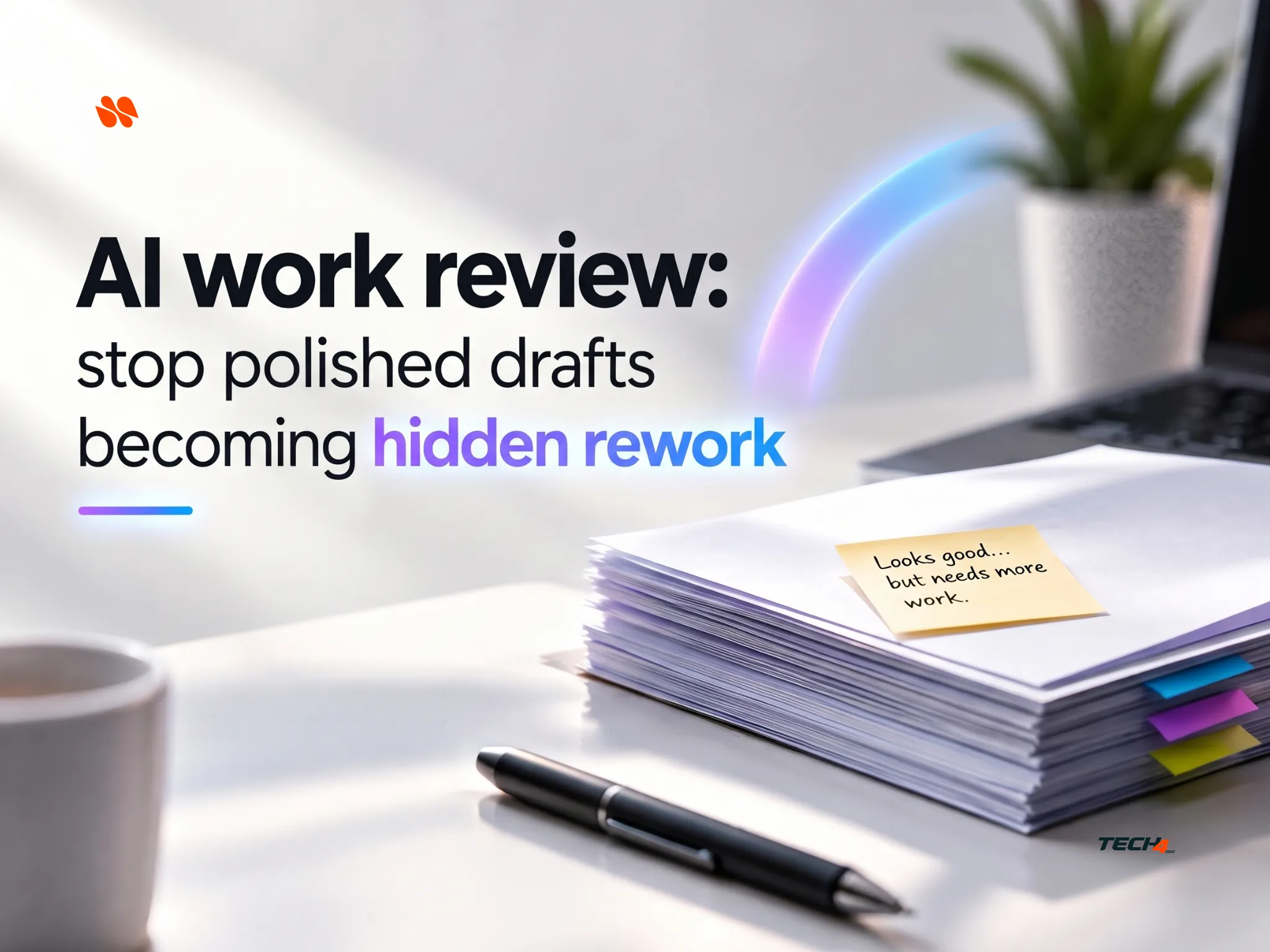
A polished draft beside correction cards and a five-row handoff AI work review checklist.
Why Faster AI Drafts Can Still Create More Review Work
October 15, 2026
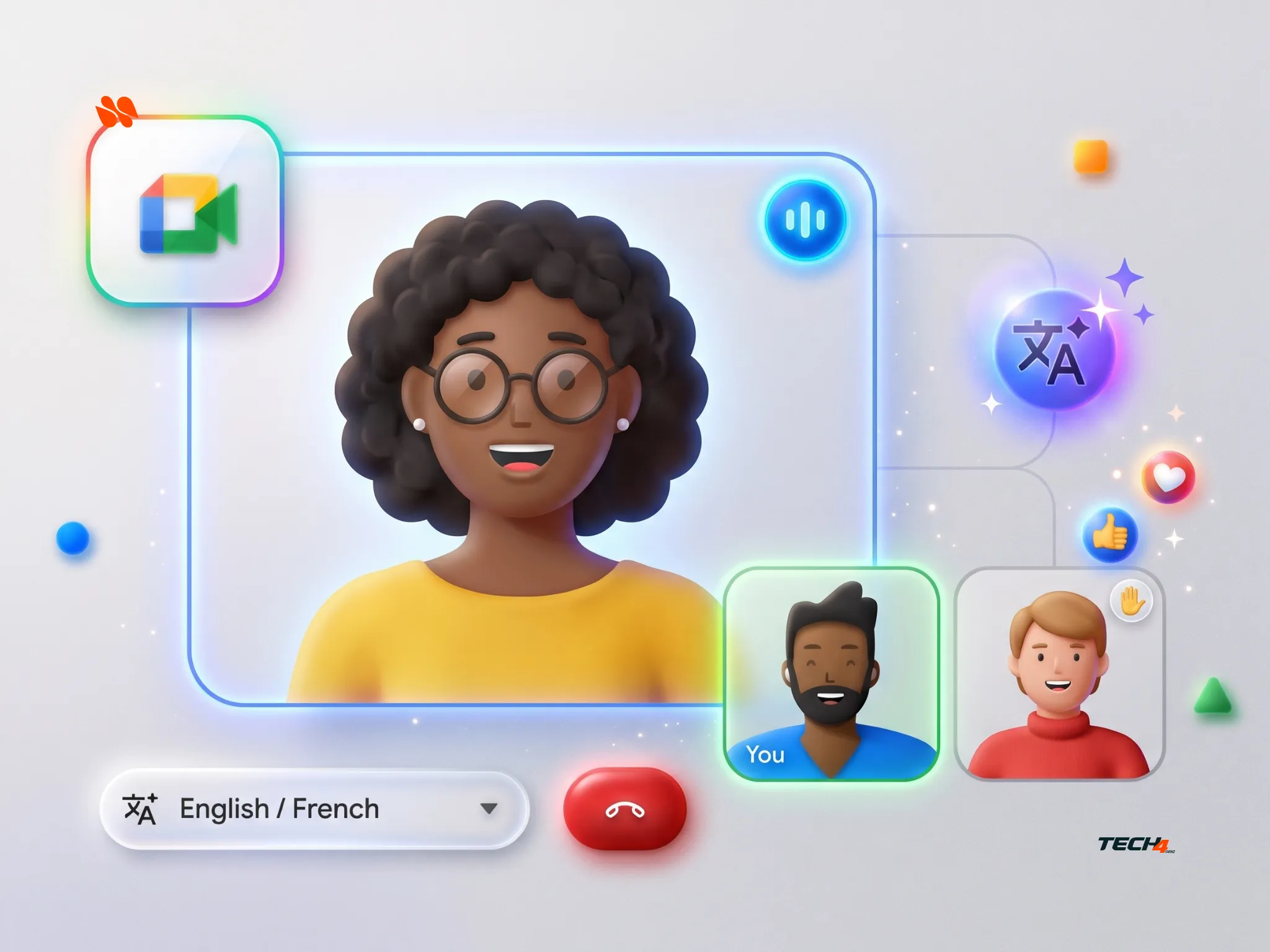
Google Meet translation: Two participants exchange speech across a translation waveform beside checks for a name, amount, date, and approval.
5 Google Meet Translation Checks Before Your Next Client Call
October 14, 2026
Google Chat meeting recaps: A meeting-summary card passes through an owner-and-deadline check before becoming a confirmed task.
Google Chat Meeting Recaps: From Notes to Owned Next Steps
October 13, 2026
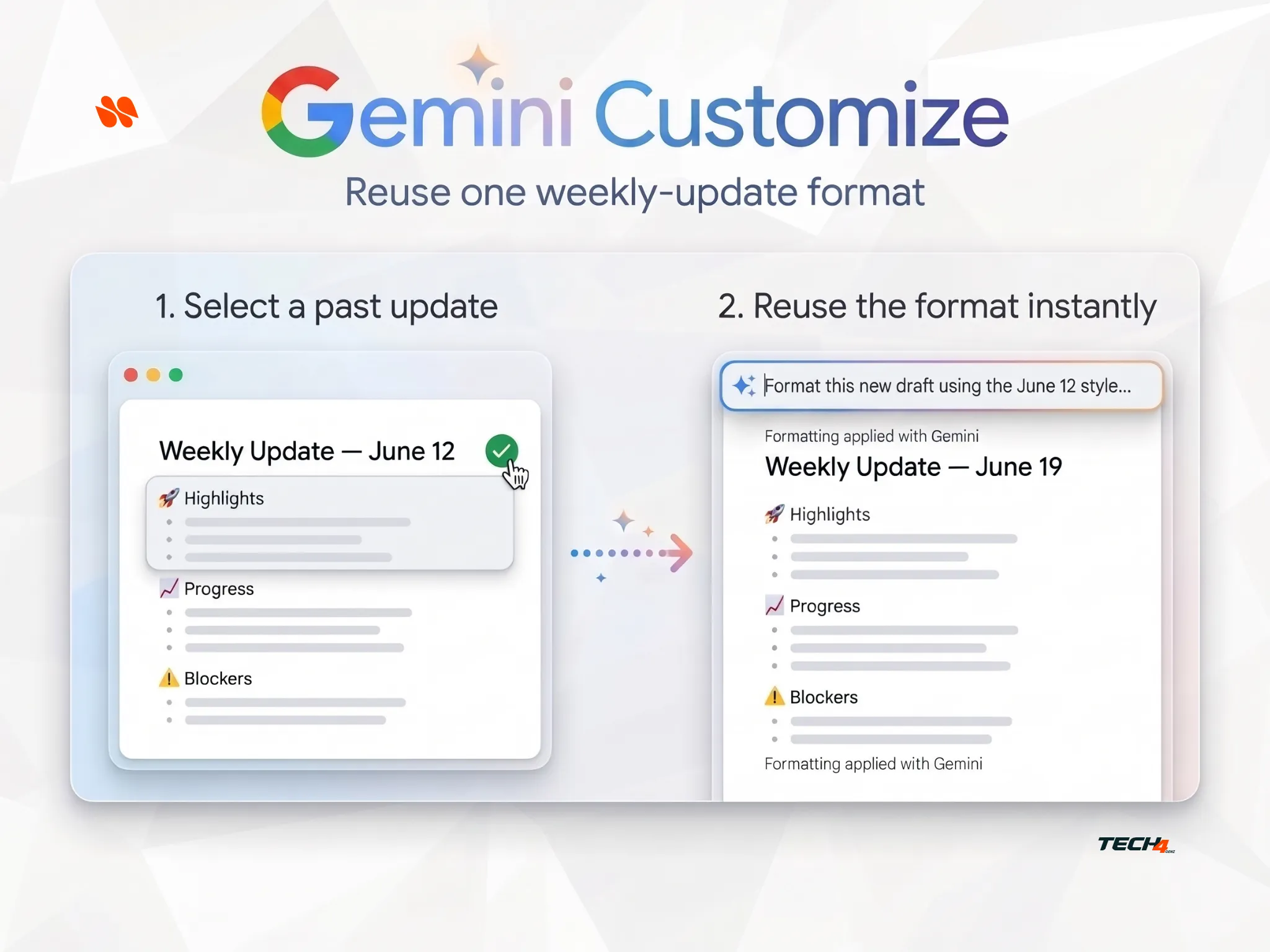
Gemini Customize: Three project-note cards pass through one reusable template into matching four-section reports beside a review check.
Gemini Customize: Reuse Your Weekly Update Format
October 12, 2026
Gmail AI Inbox daily workflow: Email cards pass through a deadline check before reaching a confirmed task list.
Gmail AI Inbox: A Simple Morning Triage Workflow
October 11, 2026
ChatGPT ads: Separate information and product-offer panels beside a magnifying glass and verification checklist.
ChatGPT Ad Is Not the Same as an AI Answer
October 10, 2026
Ollama Phonom: Mac workflow showing a Phonon terminal command turning text into a speech waveform.
Ollama Phonon on Mac: Read AI Replies Aloud
October 9, 2026
Claude auto mode: A draft document passes through a human-review stage before reaching an outgoing-message tray.
5 Claude Auto Mode Checks Before You Let a Task Run
October 8, 2026
Kimi K3.1 Pro: Two public documents beside a draft summary and a separate claim-verification checklist.
How to Use Kimi K3.1 Pro: Your First Source-Checked Task
October 7, 2026
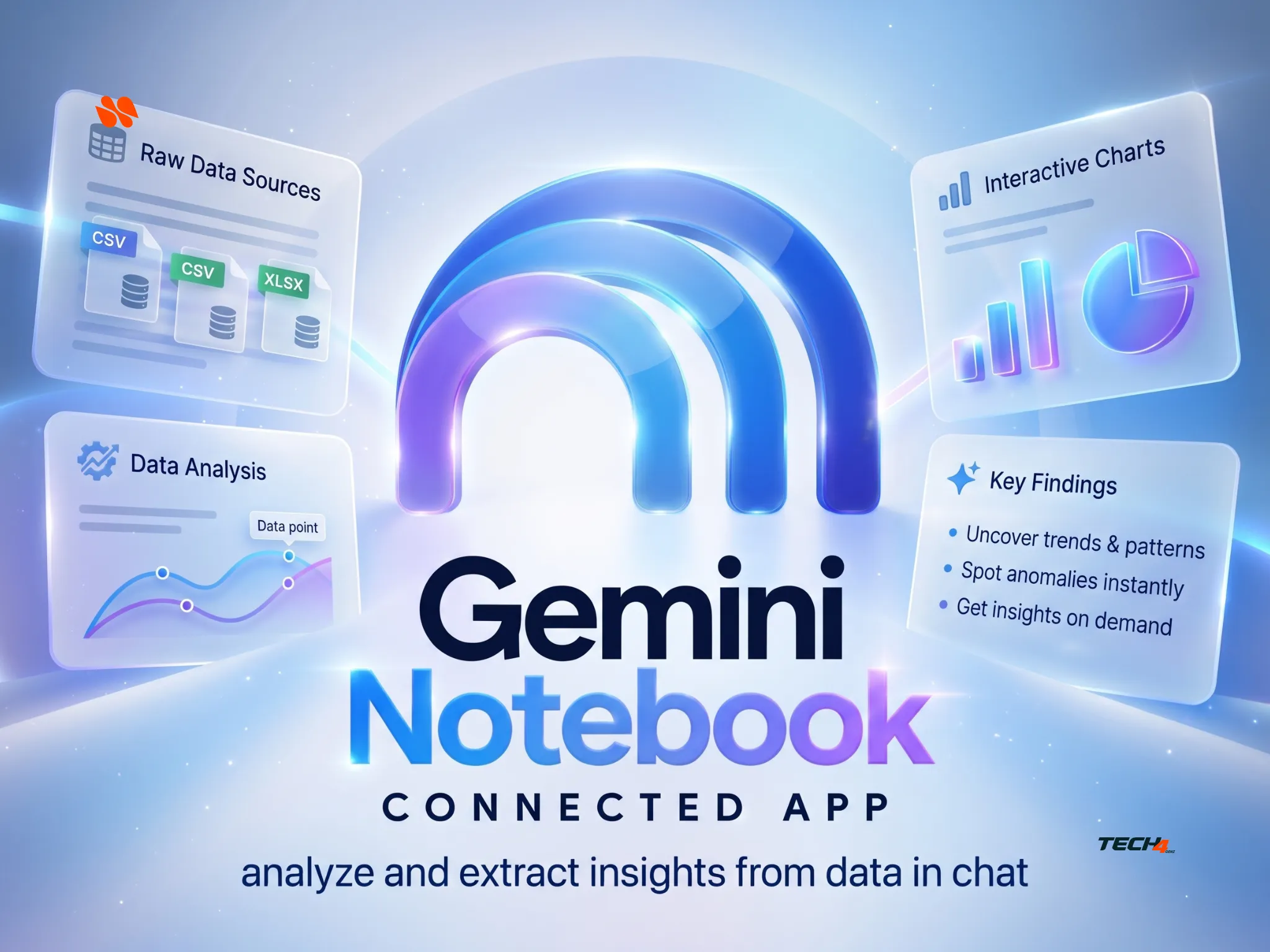
Gemini Notebook in Gemini workflow for creating notebooks, managing sources, verifying AI answers, and saving research notes
Gemini Notebook in Gemini: A Beginner’s Setup Guide
October 6, 2026
GPT-6.1 Terra selected in Work beside a fictional catalog and a separate human-review annotation.” Replace “Work” if the real capture shows Codex.
Why GPT-6.1 Terra Is Missing From Your ChatGPT Model List
October 5, 2026
Higgsfield video credit cost workflow showing generation deductions, refunds, accepted clips, and editing time.
Higgsfield Video Credits: 5 Checks Before You Buy More
October 4, 2026
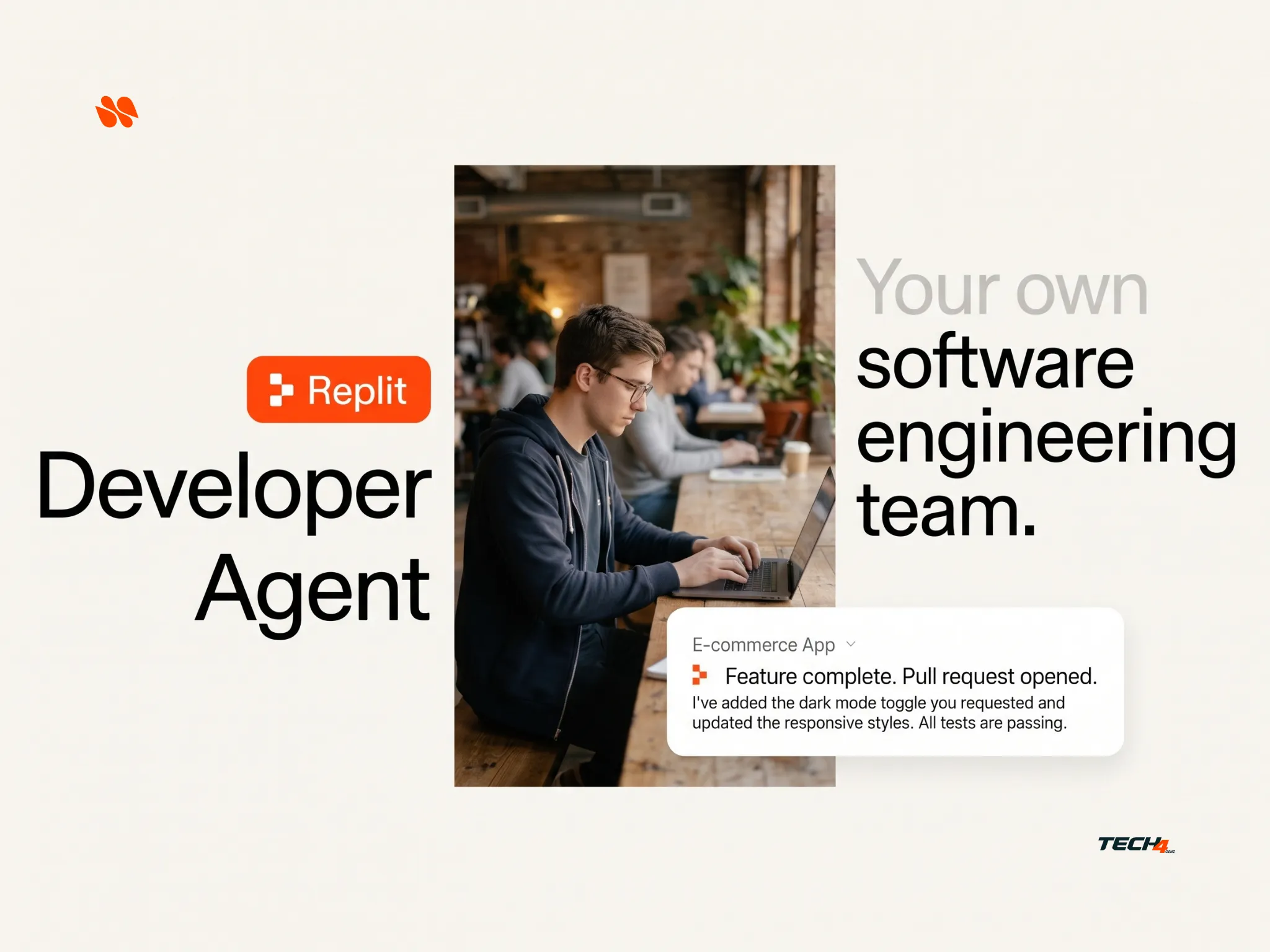
Replit Monitoring Agent, A proposed code repair pauses at a human approval gate before reaching a live app.
5 Replit Monitoring Agent Checks Before Enabling Auto-Publish
October 3, 2026
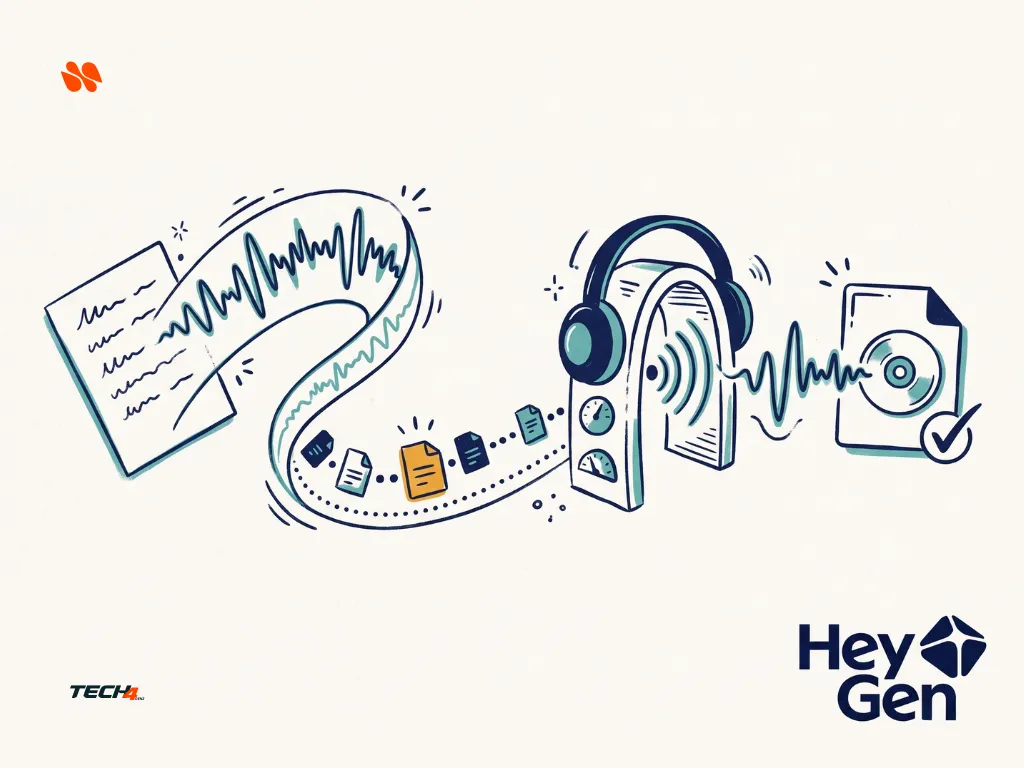
HeyGen Voice Turbo API workflow showing a successful audio check and a limited retry path after a failed request
5 HeyGen Voice Turbo Limits to Check Before Using the Free API
October 2, 2026
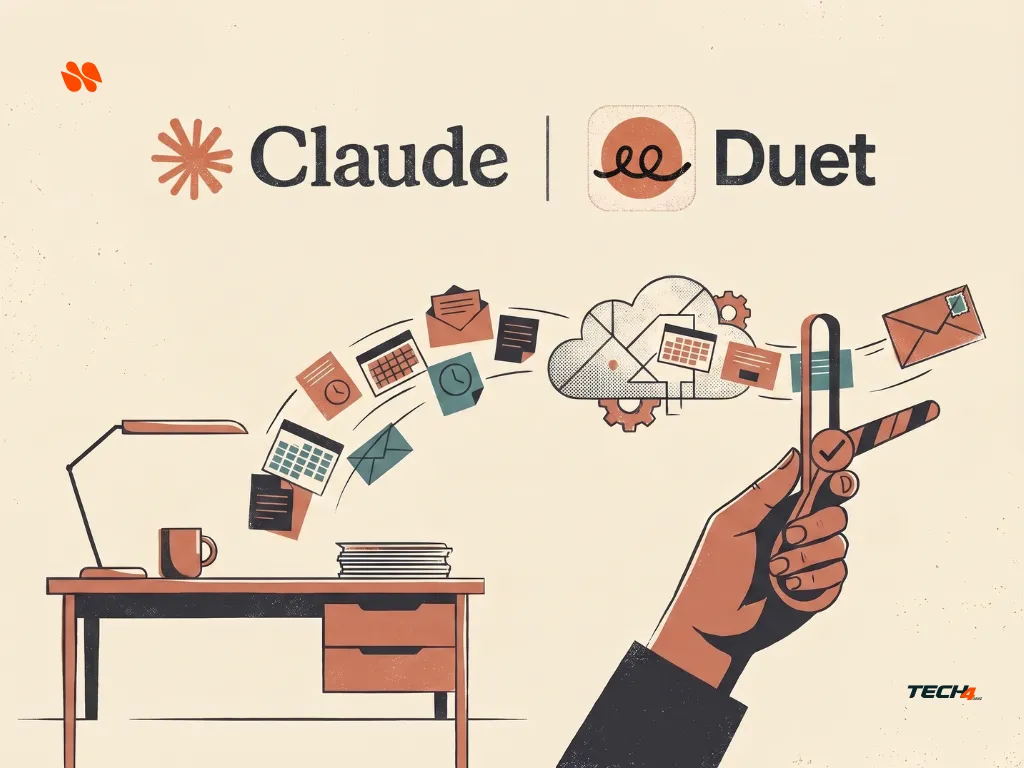
Claude Duet connected app access and previously learned information retained in memory
5 Claude Duet Facts to Know Before Joining the Waitlist
October 1, 2026
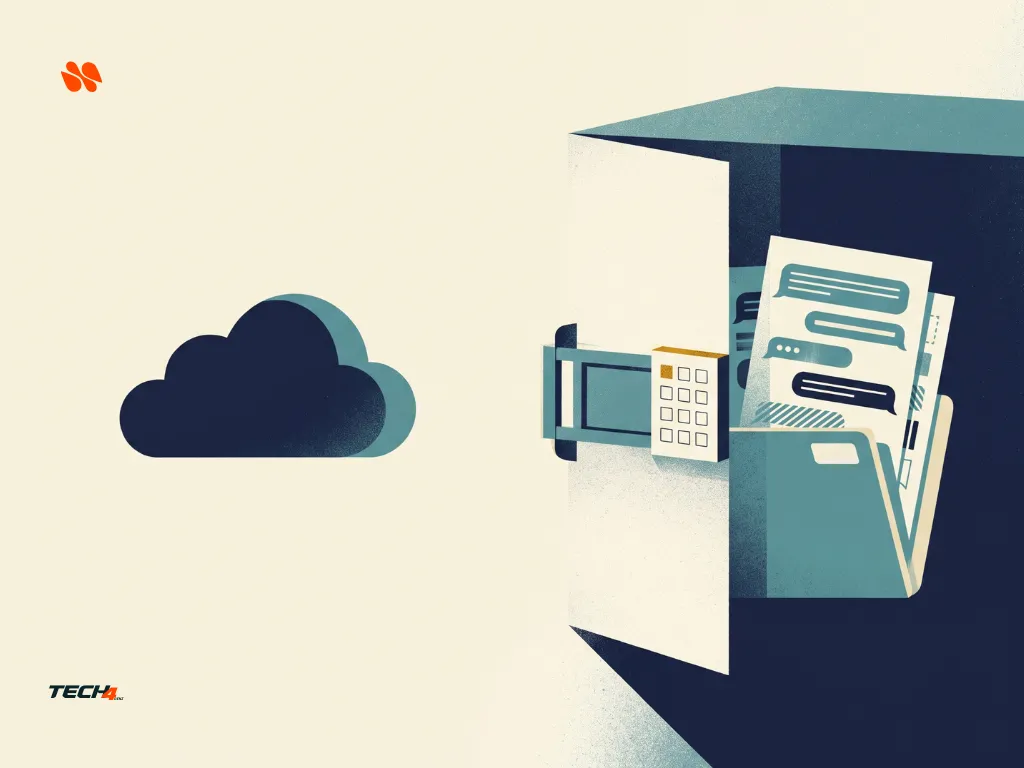
ChatGPT Locked Chats account PIN controls and the warning about permanently deleting locked content during a PIN reset.
ChatGPT Locked Chats: Privacy and PIN-Reset Risks
September 30, 2026
Beige illustration of a flat poster with teal and grey bars and leaf shapes on the left, and the same shapes exploded and separated on the right.
Canva Craft: 5 Editing Checks Before Client Delivery
September 29, 2026
Adobe Firefly panel beside a goldfish image with the prompt Dramatically lit fish swimming through underwater flora.
Posted inAI Content

Firefly Screen Recording Tutorial: 5 Steps With Clear AI Labels

Record a genuine screen demonstration in Adobe Firefly, then add AI visuals without disguising them as software evidence. This documentation-based tutorial includes a 60-second script, recording steps, synthetic-segment labels, caption checks, and an export review sheet.
Continue Reading
Posted by Sobia Sandhu October 29, 2026
Close-up of a woman's eye and face with water droplets.
Posted inAI Content

Seedance 2.0 High Bitrate on Runway: Detail vs. File Size

Runway offers Standard and High bitrate for Seedance 2.0, but API and app defaults differ. Learn what the setting changes, how to compare local and uploaded footage fairly, and when a larger file may be worth keeping.
Continue Reading
Posted by Sobia Sandhu October 28, 2026
Rainbow Recraft V4 Pro lettering on an orange sunburst.
Posted inAI Content

Recraft Styles Vector Icon Set: A Six-Icon Workflow

Build a coherent six-icon family with original raster references and a reusable production brief. This documentation-based Recraft V4 Styles Vector guide covers Precise versus Flexible matching, five consistency checks, SVG inspection, and a correction log before delivery.
Continue Reading
Posted by Sobia Sandhu October 27, 2026
Blue transparent robotic skull with KLING 4.0 text and Higgsfield branding.
Posted inAI Content

Kling Product Consistency: 5 Checks for Kling 4.0 on Runway

Plan Kling product consistency across three shots of one fictional object. This documentation-based Kling 4.0 guide for Runway Dev includes a fixed reference pack, copyable prompts, a continuity rubric, and a keep, repair, or replace workflow. No completed test results are claimed.
Continue Reading
Posted by Sobia Sandhu October 26, 2026
A woman waits on an empty train platform at dusk beside a prompt card.
Posted inAI Content

HeyGen Video: 5 Checks Before You Publish a Scene With Sound

Plan one five-second HeyGen Video scene before you generate. This guide pairs an original bakery shot brief with three prompts, a cue-by-cue listening sheet, and practical checks for continuity, access, rights, and the final export. It is a planning tutorial, not a hands-on performance review.
Continue Reading
Posted by Sobia Sandhu October 25, 2026
Apple Creator Studio logo with app icons.
Posted inAI Content

Pixelmator Pro Generate Fill: 5 Checks Before November

Apple says Pixelmator Pro Generate Fill will arrive in November. This preview separates announced capabilities from untested results and offers five checks for preserving product edges, labels, color, shadows, and editability when changing a background.
Continue Reading
Posted by Sobia Sandhu October 24, 2026
Editorial koi fish illustration showing editable vector artwork.
Posted inAI Content

Ideogram Vector: Editable Artwork vs. Editable Lettering

Ideogram Vector can produce scalable SVG artwork, but editable shapes are not the same as live text. Learn how to inspect lettering, test a wording change, compare image vectorization, and prepare a file for delivery.
Continue Reading
Posted by Sobia Sandhu October 23, 2026
Study with AI without becoming dependent. A study notebook, a small hint card, and a separate unanswered practice sheet beside a closed laptop.
Posted inAI Education

How to Study With AI Without Becoming Dependent on It

A finished AI-assisted task is not proof of learning. Use an attempt-first routine, targeted hints, your own explanations, and fresh problems without AI. Includes an original seven-session study log and a worked algebra example, with clear limits on what the research can establish.
Continue Reading
Posted by Sobia Sandhu October 22, 2026
Gemini math worksheets three practice sheets with different supports connect to one shared learning target.
Posted inAI Education

Gemini Math Worksheets: Create Three Levels Without Changing the Goal

Create three levels of math practice without turning one lesson into three different topics. This guide includes Gemini prompts, an original two-digit addition worksheet pack, checked answers, an alignment checklist, and a short formative check for choosing the next activity.
Continue Reading
Posted by Sobia Sandhu October 21, 2026
Free Google AI training for teachers. A learning card, lesson draft, and review checklist arranged beside a teacher's notebook.
Posted inAI Education

Free Google AI Training for Teachers: Courses, Badges & Credit

Explore the Google AI Educator Series without confusing badges with recognized credit. Use a course-selection worksheet, a source-checking activity, and a small portfolio checklist to turn one training session into a reviewed teaching resource.
Continue Reading
Posted by Sobia Sandhu October 20, 2026
ChatGPT College Planner: Two college application task cards beside a calendar, a source-checking magnifying glass, and a paper backup.
Posted inAI Education

ChatGPT College Planner: Verify Your Application Timeline

Use ChatGPT College Planner as an organizer, not an admissions authority. Follow a fictional two-school plan, verify deadlines and document requirements against official sources, and copy a practical verification sheet for admissions, scholarships, and financial-aid tasks.
Continue Reading
Posted by Sobia Sandhu October 19, 2026
ChatGPT flashcards from notes, Biology notes beside question cards, a source-checking magnifying glass, and a separate recall sheet.
Posted inAI Education

ChatGPT Flashcards From Notes: Quizzes and Active Recall

Turn a short, permitted note sheet into checked flashcards and a practice quiz. This guide includes an original biology example, copyable prompts, an answer-verification table, and a mistake log, plus a final recall check without ChatGPT.
Continue Reading
Posted by Sobia Sandhu October 18, 2026
Google AI Quests Polar Peaks: Data cards lead to a simplified neuron map while a magnifying glass highlights a connection for human review.
Posted inAI Education

Polar Peaks Lesson A Classroom Plan for Ages 11–14

Turn Google's Polar Peaks AI Quest into a practical lesson for ages 11 to 14. This adaptable plan includes a data-quality prediction, observation worksheet, five-question exit ticket, and teacher guidance on model testing and human oversight.
Continue Reading
Posted by Sobia Sandhu October 17, 2026
iPhone sales sheet and Gemini answer beside source rows used to check the recorded weekly total.
Posted inAI Productivity

Gemini in Sheets on iPhone: Check a Weekly Sales Update

Use a fictional weekly-sales sheet to ask Gemini three focused questions on iPhone. Check the recorded total, distinguish similar product names, and keep missing data visible before turning the answer into a team update. Includes current iOS limits and a copyable sample.
Continue Reading
Posted by Sobia Sandhu October 16, 2026
A polished draft beside correction cards and a five-row handoff AI work review checklist.
Posted inAI Productivity

Why Faster AI Drafts Can Still Create More Review Work

A polished AI draft can still leave someone else with the real work. Use five handoff checks to verify claims, expose missing inputs, name a reviewer, and measure effort from preparation through acceptance. Includes a fictional project brief, correction walkthrough, and copyable time log.
Continue Reading
Posted by Sobia Sandhu October 15, 2026
Google Meet translation: Two participants exchange speech across a translation waveform beside checks for a name, amount, date, and approval.
Posted inAI Productivity

5 Google Meet Translation Checks Before Your Next Client Call

Before a multilingual client call, check who can use Google Meet translation, configure each listener, and rehearse the details that matter. This guide includes a fictional bilingual preflight, current access and duration limits, a go/no-go checklist, and a written confirmation template. It is documentation-based, not a report of completed testing.
Continue Reading
Posted by Sobia Sandhu October 14, 2026
Google Chat meeting recaps: A meeting-summary card passes through an owner-and-deadline check before becoming a confirmed task.
Posted inAI Productivity

Google Chat Meeting Recaps: From Notes to Owned Next Steps

Google Chat meeting recaps can surface decisions and next steps, but a generated assignment still needs human confirmation. Use this practical workflow to check owners, clarify deadlines, inspect artifact access, and move only accepted commitments into your approved task system. Includes current rollout conditions and a fictional US/UK meeting audit, not claimed hands-on results.
Continue Reading
Posted by Sobia Sandhu October 13, 2026
Gemini Customize: Three project-note cards pass through one reusable template into matching four-section reports beside a review check.
Posted inAI Productivity

Gemini Customize: Reuse Your Weekly Update Format

Stop rebuilding the same weekly report prompt. This guide explains how to save a reusable Gemini skill, preserve accomplishments, blockers, and next steps, and flag missing facts. It includes a copyable specification, fictional project notes, and a consistency checklist, not claimed hands-on results.
Continue Reading
Posted by Sobia Sandhu October 12, 2026
Gmail AI Inbox daily workflow: Email cards pass through a deadline check before reaching a confirmed task list.
Posted inAI Productivity

Gmail AI Inbox: A Simple Morning Triage Workflow

Build a Gmail AI Inbox morning routine that checks suggested tasks against the original emails. Learn how to catch changed deadlines, separate updates from commitments, and finish with a human-confirmed daily list. Includes current US access caveats and a fictional practice audit, not hands-on test results.
Continue Reading
Posted by Sobia Sandhu October 11, 2026
ChatGPT ads: Separate information and product-offer panels beside a magnifying glass and verification checklist.
Posted inAI Guides

ChatGPT Ad Is Not the Same as an AI Answer

ChatGPT can show a sponsored offer separately from its answer. Learn how to recognize the ad label, check which plans may show ads, review available privacy controls, and verify the seller’s price and terms before acting. Includes Pakistan rollout context and the limits of the Free Ads-Free option.
Continue Reading
Posted by Sobia Sandhu October 10, 2026
Ollama Phonom: Mac workflow showing a Phonon terminal command turning text into a speech waveform.
Posted inAI Guides

Ollama Phonon on Mac: Read AI Replies Aloud

Make your Mac read AI replies aloud with Ollama Phonon. This documentation-based guide covers Apple Silicon requirements, model licenses, your first spoken sentence, saved WAV files, local reply piping, and troubleshooting without assuming every voice is available.
Continue Reading
Posted by Sobia Sandhu October 9, 2026
Claude auto mode: A draft document passes through a human-review stage before reaching an outgoing-message tray.
Posted inAI Guides

5 Claude Auto Mode Checks Before You Let a Task Run

Claude auto mode can reduce approval prompts, but its controls differ across Claude Code, Cowork, and Chrome. Learn five checks for identifying your active mode, running a harmless draft-only task, reviewing actions, and keeping consequential decisions with a person.
Continue Reading
Posted by Sobia Sandhu October 8, 2026
Kimi K3.1 Pro: Two public documents beside a draft summary and a separate claim-verification checklist.
Posted inAI Guides

How to Use Kimi K3.1 Pro: Your First Source-Checked Task

Learn how to use Kimi K3.1 Pro for a small public-document task. Copy the prompt, check every claim and quotation, and record three runs in a verification log. Includes consumer-versus-API billing checks and the difference between online access and downloadable weights.
Continue Reading
Posted by Sobia Sandhu October 7, 2026
Gemini Notebook in Gemini workflow for creating notebooks, managing sources, verifying AI answers, and saving research notes
Posted inAI Guides

Gemini Notebook in Gemini: A Beginner’s Setup Guide

Create a Gemini notebook from chat with three public sources, then check the source list, verify an answer, test an unsupported question, and save a checked note. This beginner guide also covers access settings, account restrictions, and deletion precautions.
Continue Reading
Posted by Sobia Sandhu October 6, 2026
GPT-6.1 Terra selected in Work beside a fictional catalog and a separate human-review annotation.” Replace “Work” if the real capture shows Codex.
Posted inAI Guides

Why GPT-6.1 Terra Is Missing From Your ChatGPT Model List

GPT-6.1 Terra is listed for ChatGPT Work and Codex, not Chat. Learn where to check access, why the model may be missing, and how to inspect a fictional catalog screenshot before authorizing any changes.
Continue Reading
Posted by Sobia Sandhu October 5, 2026
Higgsfield video credit cost workflow showing generation deductions, refunds, accepted clips, and editing time.
Posted inAI Tools Reviews & Comparisons

Higgsfield Video Credits: 5 Checks Before You Buy More

A completed AI generation is not the same as a usable product video. Learn how to budget Higgsfield video credits, count rejected takes, separate editing time, and design a transparent five-product test before buying more.
Continue Reading
Posted by Sobia Sandhu October 4, 2026
Replit Monitoring Agent, A proposed code repair pauses at a human approval gate before reaching a live app.
Posted inAI Tools Reviews & Comparisons

5 Replit Monitoring Agent Checks Before Enabling Auto-Publish

Replit Monitoring Agent can investigate alerts and attempt repairs, but automatic publishing is a separate, experimental choice. Learn five checks for reviewing fixes, testing a disposable app, managing usage, and keeping control of what reaches your live site.
Continue Reading
Posted by Sobia Sandhu October 3, 2026
HeyGen Voice Turbo API workflow showing a successful audio check and a limited retry path after a failed request
Posted inAI Tools Reviews & Comparisons

5 HeyGen Voice Turbo Limits to Check Before Using the Free API

HeyGen Voice Turbo has a temporary free API model, but free generation is not the same as a production-ready workflow. Check the exact model name, shared capacity, eligible voices, pronunciation, and usage rights before relying on it.
Continue Reading
Posted by Sobia Sandhu October 2, 2026
Claude Duet connected app access and previously learned information retained in memory
Posted inAI Tools Reviews & Comparisons

5 Claude Duet Facts to Know Before Joining the Waitlist

Claude Duet’s research preview is waitlisted for US Pro and Max subscribers. Before joining, check shared usage limits, connected-app access, memory controls, and the difference between preparing work and approving an action.
Continue Reading
Posted by Sobia Sandhu October 1, 2026
ChatGPT Locked Chats account PIN controls and the warning about permanently deleting locked content during a PIN reset.
Posted inAI Tools Reviews & Comparisons

ChatGPT Locked Chats: Privacy and PIN-Reset Risks

ChatGPT Locked Chats can hide saved conversations from regular history and search, but they do not create an encrypted vault. Learn when to lock, archive, change a PIN, or delete, and why resetting a forgotten PIN is an irreversible decision.
Continue Reading
Posted by Sobia Sandhu September 30, 2026
Beige illustration of a flat poster with teal and grey bars and leaf shapes on the left, and the same shapes exploded and separated on the right.
Posted inAI Tools Reviews & Comparisons

Canva Craft: 5 Editing Checks Before Client Delivery

Canva Craft can generate polished images, but can they handle real revisions? Explore five checks for text accuracy, editable layers, layout stability, editing effort, and final exports before using AI-generated designs for client work.
Continue Reading
Posted by Sobia Sandhu September 29, 2026
Beige illustration of a flat poster with teal and grey bars and leaf shapes on the left, and the same shapes exploded and separated on the right.
Posted inAI Tools Reviews & Comparisons

Canva Craft: 5 Editing Checks Before Client Delivery

Canva Craft can generate polished images, but can they handle real revisions? Explore five checks for text accuracy, editable layers, layout stability, editing effort, and final exports before using AI-generated designs for client work.
Read More
Posted by Sobia Sandhu September 29, 2026

Posts pagination

Previous page 1 2 3 4
You May Have Missed
Adobe Firefly panel beside a goldfish image with the prompt Dramatically lit fish swimming through underwater flora.

Firefly Screen Recording Tutorial: 5 Steps With Clear AI Labels

Close-up of a woman's eye and face with water droplets.

Seedance 2.0 High Bitrate on Runway: Detail vs. File Size

Rainbow Recraft V4 Pro lettering on an orange sunburst.

Recraft Styles Vector Icon Set: A Six-Icon Workflow

Blue transparent robotic skull with KLING 4.0 text and Higgsfield branding.

Kling Product Consistency: 5 Checks for Kling 4.0 on Runway

YOUR AI ADVANTAGE

Make AI work for you.

Discover powerful AI tools, practical guides, and fresh ideas to help you learn faster, work smarter, and create better.

DISCOVER LEARN CREATE
QUICK LINKS
Home Privacy Policy Terms & Conditions Disclaimer About Us Contact
© 2026 Tech4GenZ. All rights reserved.
Scroll to Top
Manage Consent
To provide the best experiences, we use technologies like cookies to store and/or access device information. Consenting to these technologies will allow us to process data such as browsing behavior or unique IDs on this site. Not consenting or withdrawing consent, may adversely affect certain features and functions.
Functional Always active
The technical storage or access is strictly necessary for the legitimate purpose of enabling the use of a specific service explicitly requested by the subscriber or user, or for the sole purpose of carrying out the transmission of a communication over an electronic communications network.
Preferences
The technical storage or access is necessary for the legitimate purpose of storing preferences that are not requested by the subscriber or user.
Statistics
The technical storage or access that is used exclusively for statistical purposes. The technical storage or access that is used exclusively for anonymous statistical purposes. Without a subpoena, voluntary compliance on the part of your Internet Service Provider, or additional records from a third party, information stored or retrieved for this purpose alone cannot usually be used to identify you.
Marketing
The technical storage or access is required to create user profiles to send advertising, or to track the user on a website or across several websites for similar marketing purposes.
  • Manage options
  • Manage services
  • Manage {vendor_count} vendors
  • Read more about these purposes
View preferences
  • {title}
  • {title}
  • {title}